
Waiting for your turn no longer has to take the whole screen. On a computer the game can now open a mini window: a small window that stays on top of every other window, with your cards, the trick and the clock. Answer an email, read the news or watch a video, and play your turn in the corner of the screen when it comes.
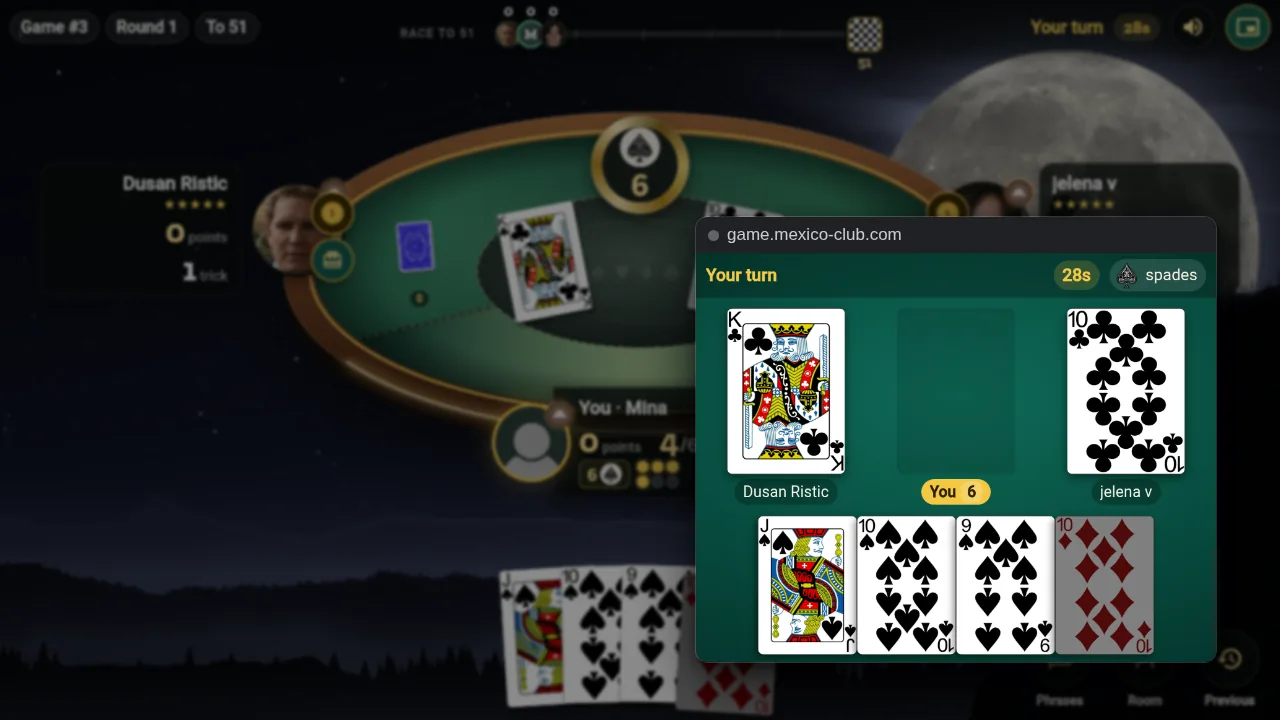
Everything your turn needs
The top of the window says whose turn it is, how many seconds are left and which suit is trump. Under it is whatever the moment asks for, and your hand is always at the bottom:
- Bidding: the bids are chips from 5 to 10, with Mexico and Pass. The bids you can no longer make are greyed out.
- The talon: when you win the bid, the talon cards join your hand with a gold edge. Tap two cards to discard them (tap one again to take it back), then pick the trump suit.
- Playing: the cards on the table show with the players' names and bids. The cards you may not play are dimmed, so a tap always plays a legal card.
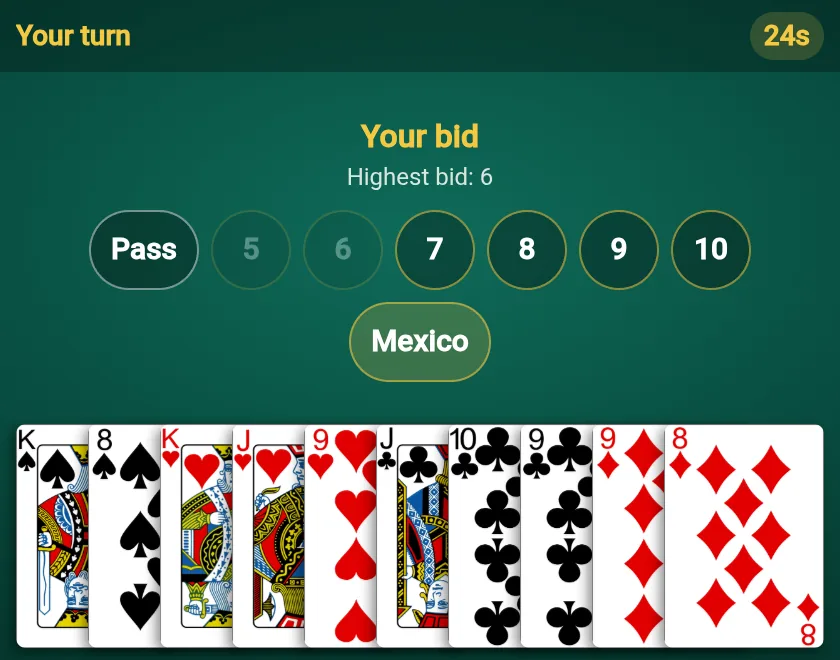
Your bid, as chips. 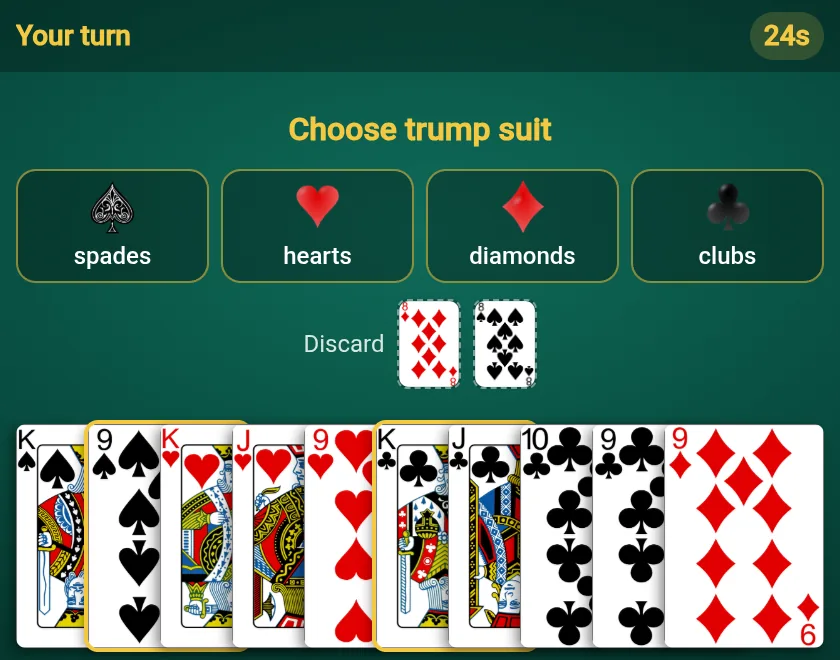
Two cards discarded, now the trump. 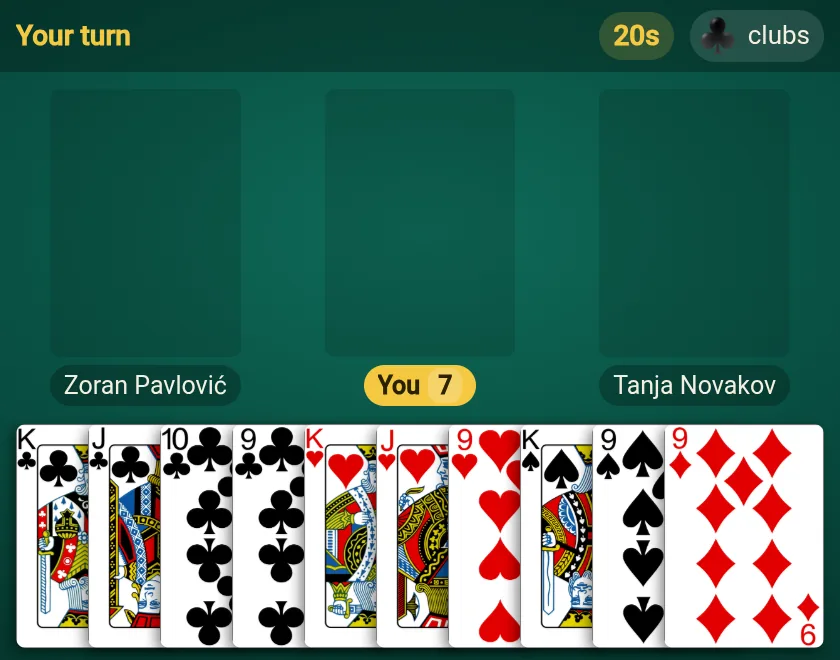
You lead: every card can go. 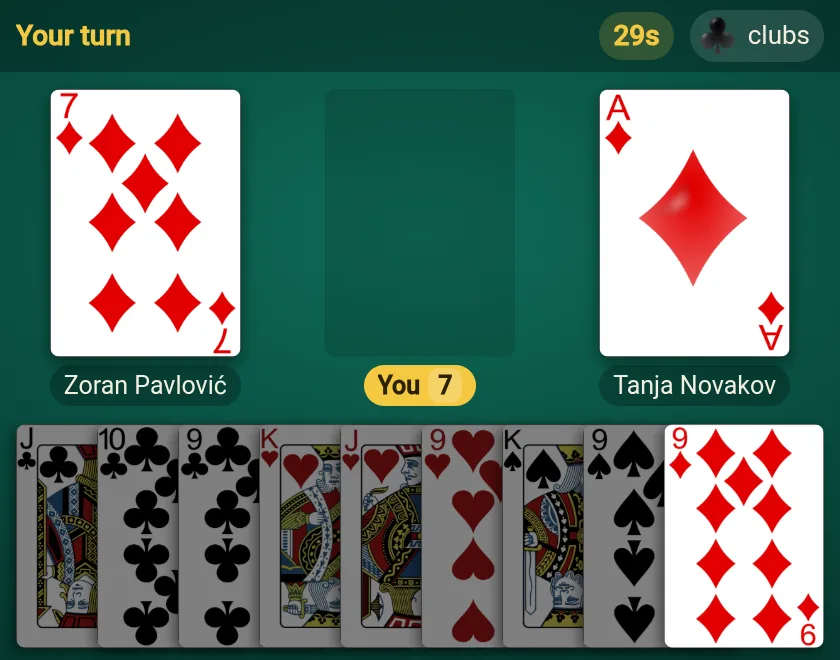
You follow: only legal cards are lit.
How to turn it on
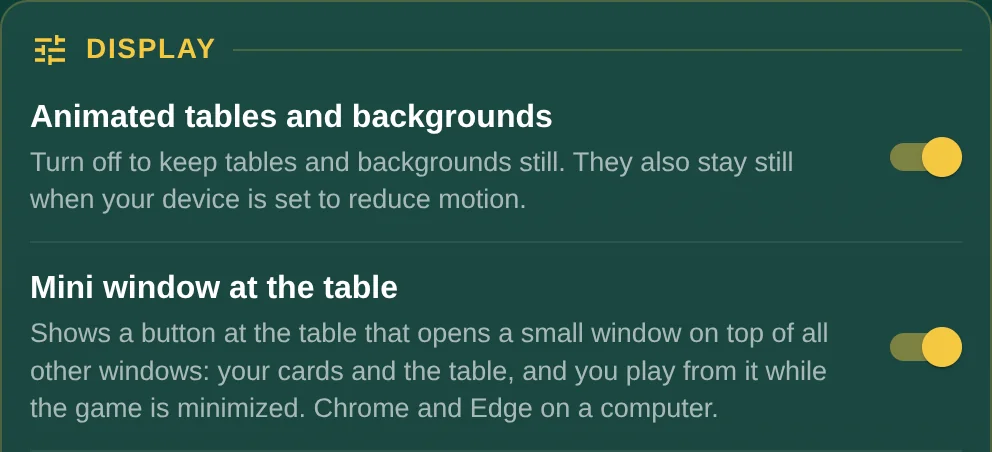
- Open My profile and, under Display, turn on Mini window at the table. The switch is kept on that computer.
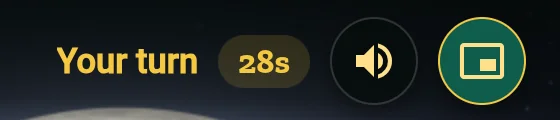
- At the table, click the mini window button. In the classic room it sits in the top corner of your own table, in the new room at the top, next to Sound.
- Move the window wherever you like and make it bigger or smaller: the cards grow and shrink with it. The same button, or the window's own close button, closes it.
From one game to the next
The mini window stays open when a game ends. The results open in the game window, and the mini window waits for your next table and shows it by itself, so you can play game after game from it. Keep the game's tab open: it can be minimized or hidden behind other windows.
Where it works
The mini window uses a newer browser feature, Document Picture-in-Picture, which Chrome and Edge on a computer have. Phones, Firefox and Safari do not have it yet, so the switch does not show there. The game itself plays the same everywhere.